I've been using Neat Image for a few years now and it's been an invaluable tool for getting rid of noise in my images. It's easy to use and the results are always great. The built-in filter presets make it easy to apply the same settings to multiple images and the ability to customize the data on the input device is a great time saver. Highly recommended!
Taking noisy photos under certain circumstances is sometimes hard to avoid even for professional photographers. Having to put up with those noisy images forever is no longer necessary. Neat Image comes with all the algorithms you need to clean up your best shots from unwanted luminance, color, banding, salt-and-pepper, or electronic interference noise, leaving them as crisp and clear as you always expected them to be. The program can also get rid of film grain and some digital artefacts, such as JPEG compression and in-camera noise reduction artefacts.
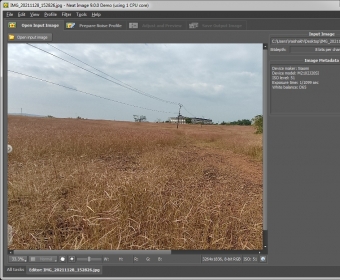
Neat Image is a well-structured software tool designed for both amateur and professional photo lovers that you can use either as a standalone application or as a plug-in for Photoshop. The program offers a free Demo version, a Home version, and a more comprehensive Pro version. If you intend to make commercial use of the images you process with Neat Image, you’ll need the Professional one. Both the Demo and the Home versions offer roughly the same features and for non-commercial use only, the output file format (i.e., the image resolution) being the main difference between the two. more






Comments (5)
very easy to work with.